LES MILLS CONNECT
Connect. Train. Grow. The one platform to manage your Les Mills life
What can you do with LES MILLS Connect?

LES MILLS CONNECT FOR INSTRUCTORS
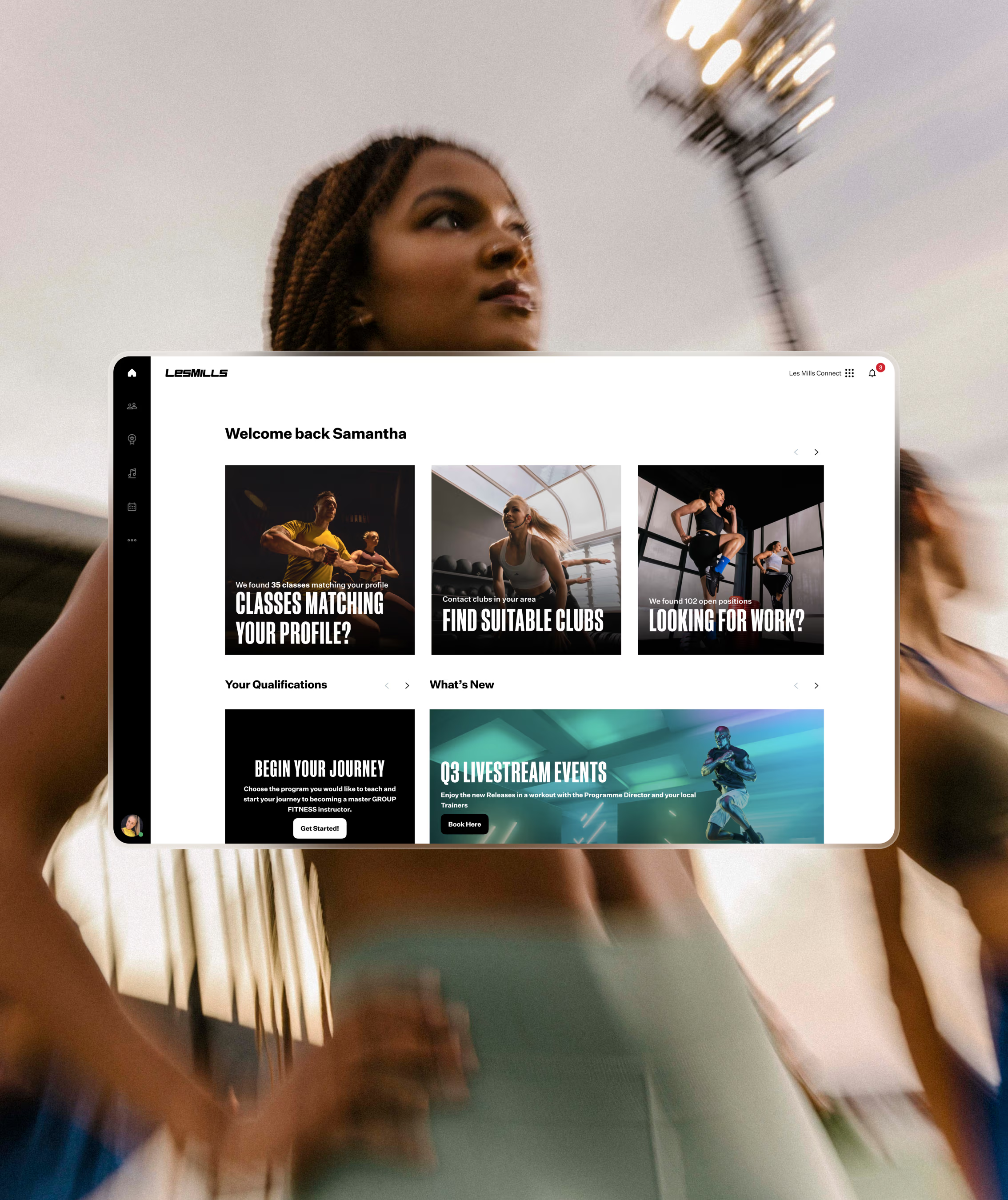
Track and complete your Initial Training
From booking training to completing your assessment, LES MILLS Connect, our Instructor training portal, keeps you updated on what’s required, what’s next, and where you are in the process, so you can move smoothly toward certification.
LES MILLS CONNECT FOR INSTRUTORS
Find work faster
Keep your teaching profile up to date so clubs can find you based on the programs you teach, your location, and your availability.
Plus, get notified when clubs near you are hiring by setting your work status to available or open.

LES MILLS CONNECT FOR INSTRUCTORS
Grow your teaching Career
Access advanced trainings, workshops, tools and resources.
LES MILLS Connect links directly with your certification records, training history, and development pathways—making it your home for everything related to your teaching journey.
FAQ's
You asked.
We answered.
It’s the go-to digital platform for both instructors and fitness clubs, helping careers thrive and businesses grow. If you are a trainer, you can log into Les Mills Connect to find more jobs, better jobs, faster. Update your profile and showcase your goals, achievements, and certifications.
LM Connect
To update your profile with Les Mills Connect, go to the bottom left of the main navigation, click the circle with your initials or a user icon, view profile and edit from there. You have the ability to list special days and times you are available (if you are open to additional opportunities), adding a bio about yourself and adding photos or other details.
LM Connect
Your profile and certifications can be seen by clubs using LES MILLS Connect if your status is open to work. However, if you have an affiliation (via LES MILLS Connect) with a club, that club can see your profile and certifications irrespective of your hiring status.
LM Connect
Affiliate with facilities where you teach by logging into Les Mills Connect and heading to “My Facilities”, under the Teaching menu.
Click “+Add another facility” and enter the name of the facility where you teach.
From the search result card click, “Send affiliation request”
Once the affiliation request is sent, a notification is sent to the facility.
LM Connect
GETTING STARTED IS SIMPLE
If you’re new to Les Mills and want to book on to an Initial Training, simply create a profile on Les Mills Connect to get started.


Instructor News
The Real Lives of Les Mills Instructors Part 3

Instructor News
The Real Lives of Les Mills Instructors Part 2
Instructor News
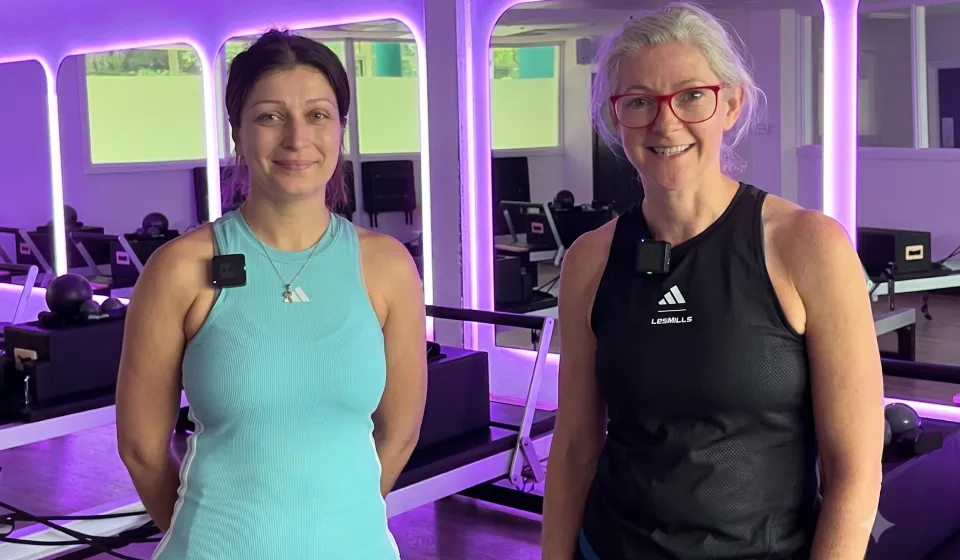
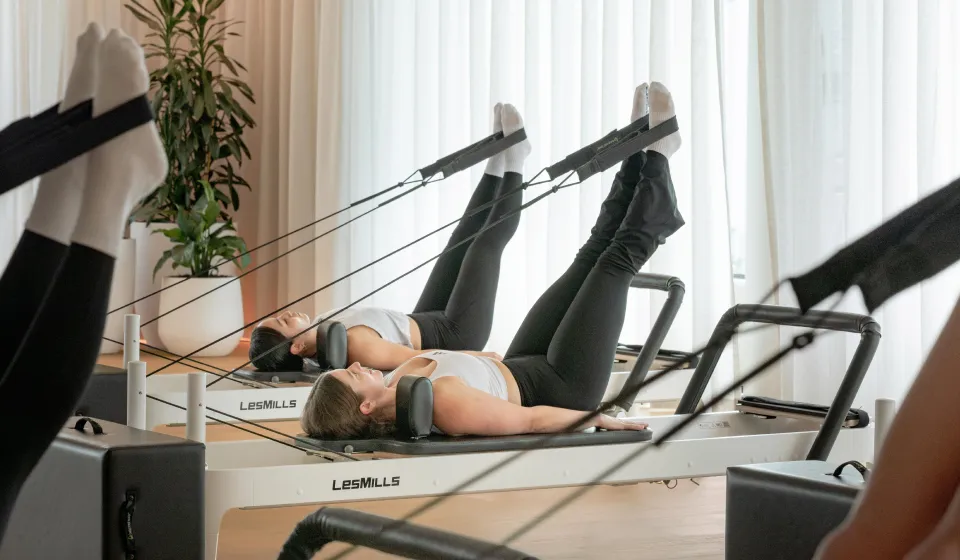
Teaching LES MILLS REFORMER™: Instructor Insights

Instructor News
Les Mills Q3 ’26 Release Highlights: What’s New

Instructor News
Become Your Best Self Part 2: Awareness Into Action



Instructor News
Become Your Best Self – Part 1: What Really Drives You?

Instructor News