FILMING GUIDELINES
Get ready to film your certification or grade review video.
TIPS FOR FILMING:
- Film with a 450 angle from the front.
- THE TRIP™ – Film with a 450 angle from the back of the bike so that the visuals and full body are in view.
- LES MILLS SPRINT™(optional) and LES MILLS GRIT™ – if or where possible, ensure floor coaching is visible.
- Have the lights on throughout the class (except THE TRIP™).
- Review the full video before submitting to ensure the above criteria has been met.
- For the best video quality (picture and sound) film with a phone or a tablet (filming with a Go Pro or a computer come out often with insufficient quality).
- Upload an mp4 or MOV. file to Les Mills Connect.
FILMING FOR CERTIFICATION:
- Submit your video within 30 days of Initial Training or 7 days of a Pass Pending.
- Film the release you received for the Initial Training.
- Film the 30, 45 or 55 min class format as outlined in the choreography notes.
- Full class – no stopping and starting or editing the video.
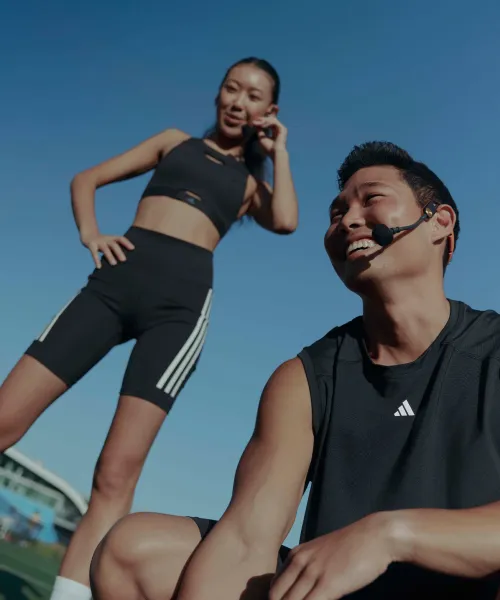
- Please use a microphone so all coaching can be heard.
- We recommend at least 5 participants to be visible on the video so you can get fair feedback on the Key Element Connection.
- Upload your certification video through Les Mills Connect.
- For programs with Floor Coaching(LES MILLS GRIT®, LES MILLS CEREMONY HYROX, LES MILLS REFORMER and LES MILLS SPRINT™) have another person filming the class if possible, to follow youaround the studio, when Floor Coaching.
FILMING FOR GRADE REVIEW:
- Film the 30, 45 or 55 min class format as outlined in the choreography notes.
- When mixing tracks for a Grade Review, choose the tracks from the 4 recent releases.
- Full class – no stopping and starting or editing the video.
- Please use a microphone so all coaching can be heard.
- We recommend at least 5 participants to be visible on the video so you can get fair feedback on the Key Element Connection.
- Upload your certification video through Les Mills Connect.
- For programs with Floor Coaching(LES MILLS GRIT®, LES MILLS CEREMONY HYROX, LES MILLS REFORMER and LES MILLS SPRINT™) have another person filming the class, to follow you around thestudio, when Floor Coaching. In Grade Review videos it’s mandatory to captureall Floor Coaching moments, so you get relevant and fair feedback about yourCoaching and Connection.

IN DOUBT OR NEED HELP?
Don't hesitate to reach out. We're here to help you every step of the way!