Learn more

Ondersteuning van Club Partners

Ik ben een clubpartner
Hoe activeer je je account
1. Ga naar het platform waarop je wilt inloggen.
2. Voer je e-mailadres in en klik op 'Next' (gebruik hetzelfde e-mailadres dat je momenteel gebruikt voor alle correspondentie van Les Mills).
3. Klik op wachtwoord instellen en wacht tot er een inlog-e-mail is verzonden (let op, deze wordt alleen verzonden als u een bestaande Les Mills-partner bent).
4. Controleer je inbox, open de inlogmail en stel je wachtwoord in.
5. Je bent nu ingelogd — en deze login geeft je in de toekomst automatisch toegang tot alle nieuwe Les Mills-platforms.
FAQ's
Jij vraagt.
Wij antwoorden.
If you’re an existing Les Mills partner you can access Marketing Studio, Les Mills Connect and other exciting new digital platforms as they become available.
Simply follow the log-in steps, and if you have any issues get in touch with your Les Mills contact.
Digital Support Club partner key info
This one login gives you access to Marketing Studio, Les Mills Connect (if available in your region) and down the track, it will open up access to more exciting digital developments that are currently in the pipeline.
Digital Support Club partner key info
We want to give you a personalized experience and secure access, which is why you need your own unique login. Entering your existing shared Club Portal login will not work. You will have received an email to your individual email account inviting you to set up your account following a personal link. If you do not have access to that email, follow the steps above and reset a password for your personal individual email.
Digital Support Club partner key info
It’s easy, simply reach out to your Les Mills team.
Digital Support Club partner key info
Virtual support
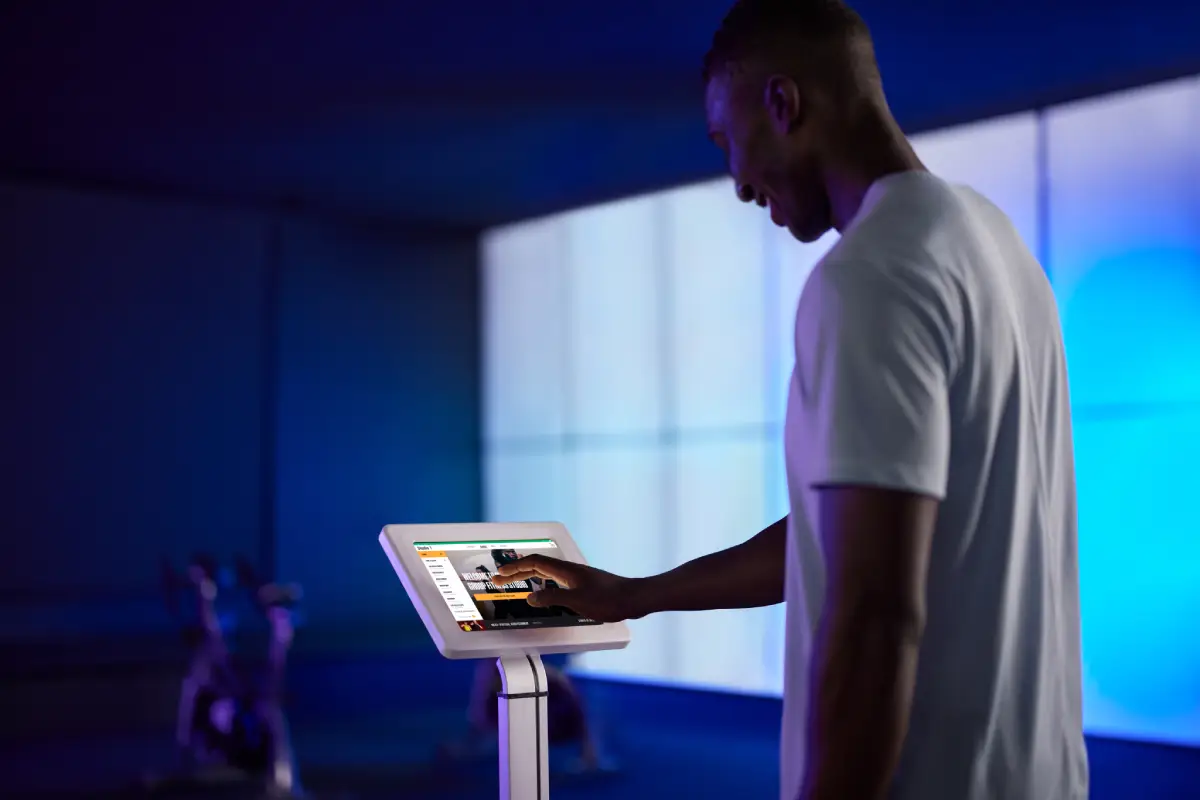
I'm a Club partner using Virtual
Aleady running virtual classes and need help?
1. Check out our Frequently Asked Questions below to see if they solve your problem.
2. Our support desk is available 24/7. Drop us a line and we’ll be happy to help.
FAQ's
Jij vraagt.
Wij antwoorden.
- Open the App Store on your iPad
- Click on the ‘Updates’ icon in the menu
- All of your pending updates will be listed – click on the Virtual App icon to download the latest version
Please note:
- You need internet access to update the App
- The App cannot be open and playing when you update it, so make sure you run the update outside of any scheduled classes
- If you have more than one iPad, you’ll need to update each of them separately
The LES MILLS Virtual Scheduler lets you create a Group Fitness schedule using Les Mills programs, as well as personalized or custom gym programs.
Using a mix of virtual and live classes, you can schedule classes via your computer in a studio any time of the day or night.
Firstly, schedule an On Demand slot via the Virtual scheduling tool on your computer. A minimum of 60 minutes is recommended.
Alternatively, toggle ‘Always On Demand’ within the App Device Settings to enable On Demand in any slot where a scheduled class does not take place. A member in your club can now scroll to the CLASSES screen on the Virtual iPad and select a class to play.
Within the CLASSES screen, members can filter by genre, intensity, duration.
It is also possible for members to select their desired language and subtitle options by clicking on the three dots to the bottom right of the App.
A play symbol appears in the center of the image for each class.
Once the member taps the play symbol, there will be a delay of one minute before the class starts to give them time to set up.
Once the class has commenced, the scrub bar provides options to pause the class.
Still, need some help? Watch a demo video of how to play an On Demand class from your iPad.
No. This removes all downloaded Virtual content.
Contact the Virtual support team using our online form, or call one of our local support numbers first. A support representative will advise you on the best solution.
- Log into the Virtual scheduler tool via your desktop at https://uk.lesmillsvirtual.com/virtual/login with your Virtual username and password
- Click on the Settings icon and select 'Manage Devices'
- To the right you will see options to ‘REMOVE DEVICE’. Click on the option that corresponds to the device you would like to remove
- Click the Green button: SAVE CHANGES to process the device unlinking
- Once this has processed, it will take 5 minutes for the APP to become ready for connecting/pairing with your new iPad
- Log in to the iPad App with your Virtual username and password and select your studio from the list and begin setup
Instructors support
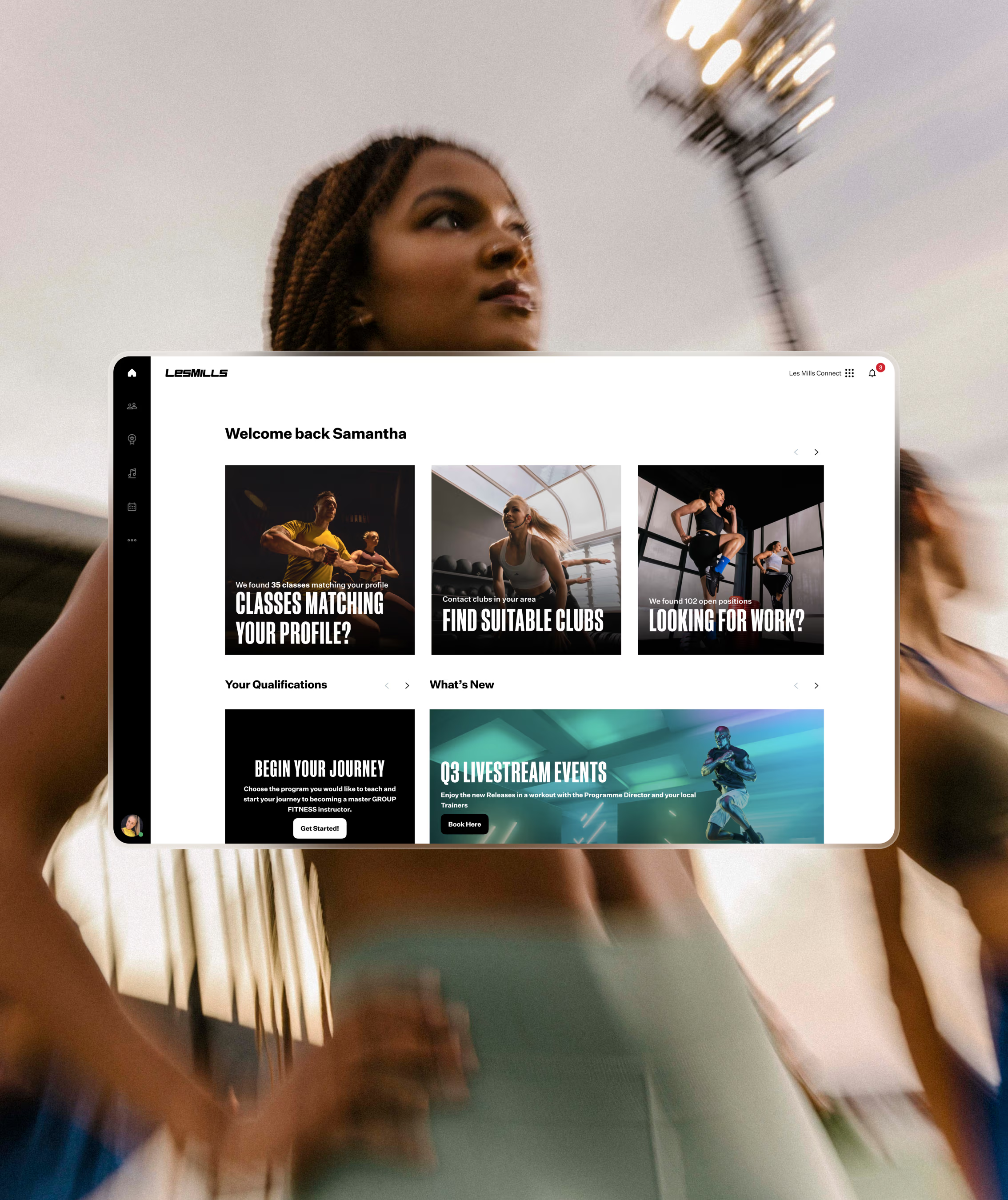
I'm an instructor
How to activate your account
1. Go to the platform you want to log-in to.
2. Use the same details you currently use to log into the Instructor Portal and Releases App.
3. You’ll now be logged in – this login will give you access to any new Les Mills platforms in the future.
If you’re a new Instructor, you will need to create a new account. This login will give you access to any new Les Mills platforms in the future.
FAQ's
Jij vraagt.
Wij antwoorden.
If you’re an current Les Mills certified Instructor you can access Les Mills Connect, the Instructor Portal, the Releases App and any future platforms as they become available in your region. Simply follow the log-in steps, and if you have any issues get in touch with your Les Mills contact.
Digital Support Instructor key info
This is the only login you need. By using central authentication we can easily give you access to all Les Mills tools and support – using just the one login. When you use this unique login you’ll always get a personalized experience that’s unique to your role.
Digital Support Instructor key info
In preparation for launching our new digital platforms, we are making changes to help you seamlessly navigate through the digital platforms. This will be the login screen you will see for all Les Mills digital products going forward, and will also be where you can reset your password if needed.
Digital Support Instructor key info
Yes, the login details that you currently use for the Instructor Portal and the Releases App will not change.
Digital Support Instructor key info